

Mon - Fri, 8am-4pm
Mon - Fri, 8am-4pm
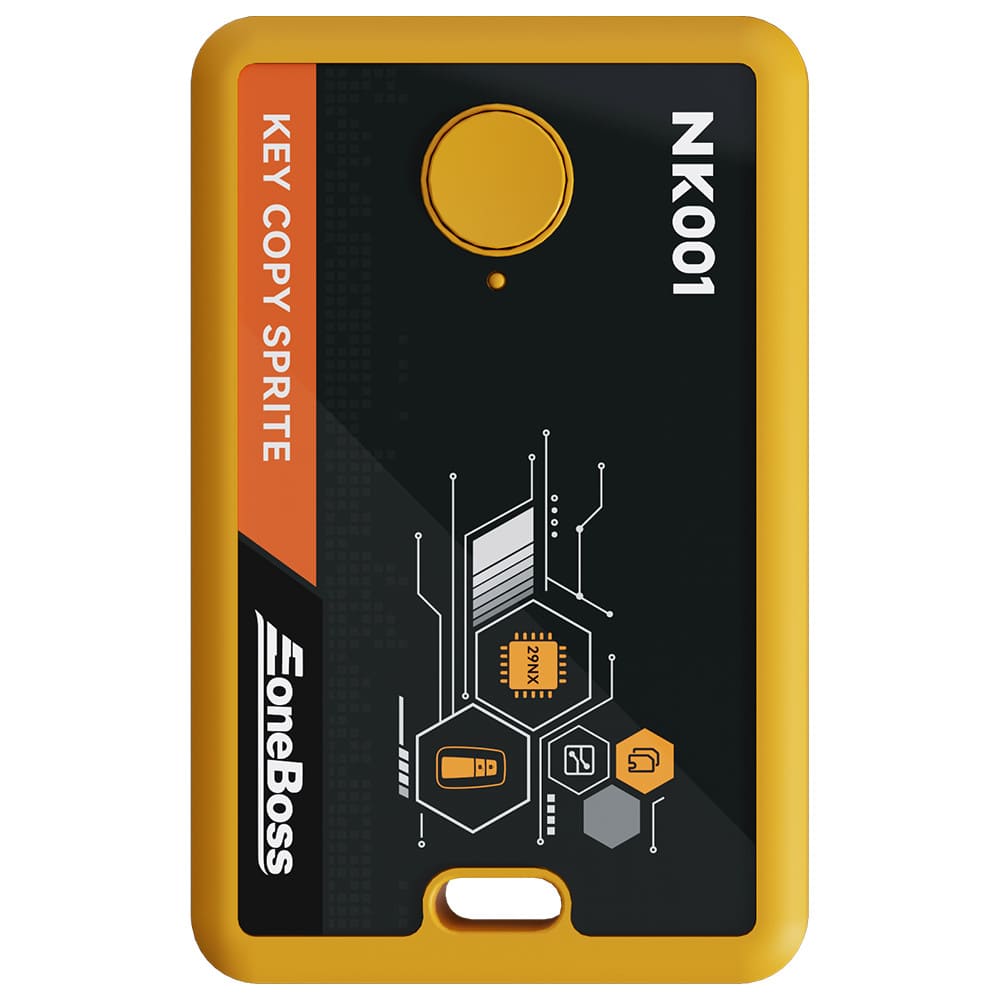
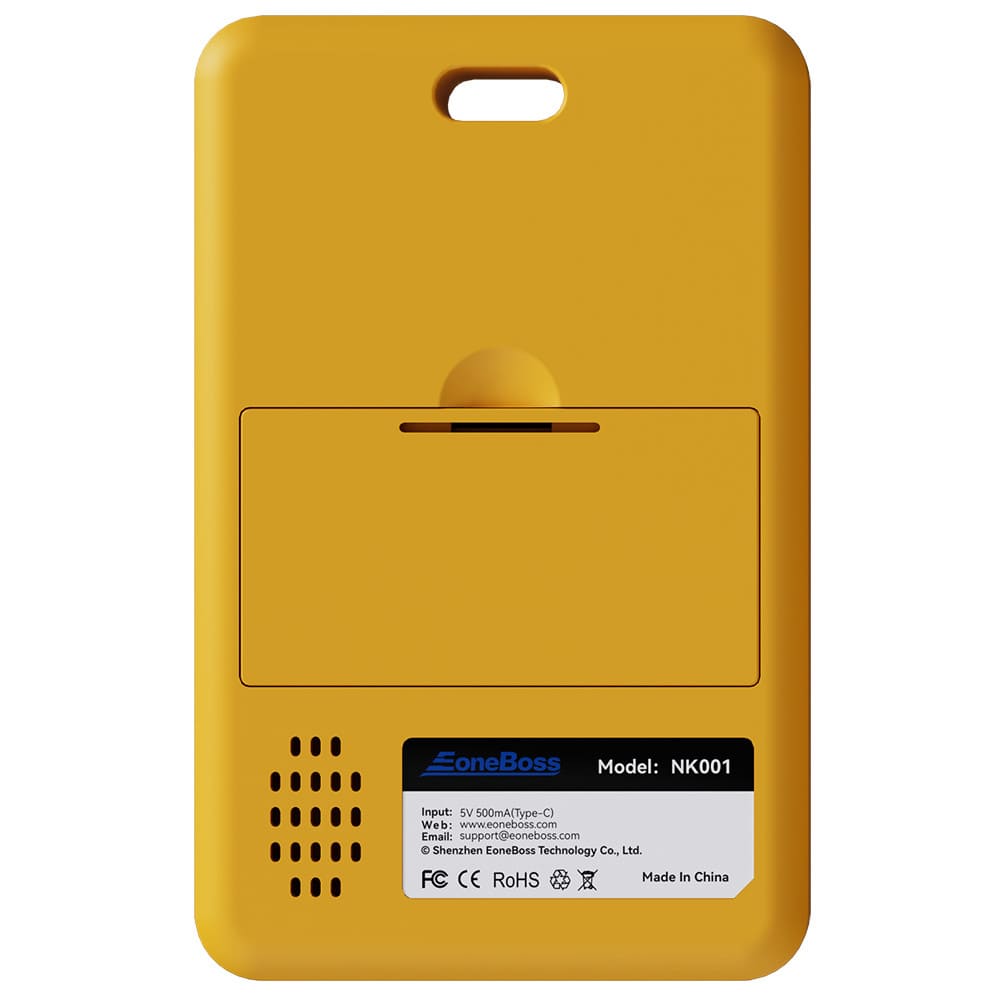
EoneBoss NK001-The Ultimate Sprite for NXP Smart Key Cloning
Through high-efficiency identification and writing technology, NK001 Key Copy Sprite supports direct cloning of original car key data to new keys, providing a plug-and-play experience without OBD matching, significantly simplifying the locksmith’s workflow.
Technical Background
Are you looking for a faster way to clone smart keys without complex programming? Traditional OBD matching processes are tedious and require high-end equipment. The EoneBoss NK001 Key Copy Sprite is born to enhance efficiency, allowing you to easily handle cloning needs for NCF29A(*) series chips.
Core Value
NK001 can quickly identify and capture original smart key data and write it directly into a new NCF29A(*) smart key. Once cloning is complete, the key is ready for immediate use on the vehicle without any OBD matching.
Feature:
What key to be used to copy smart key?
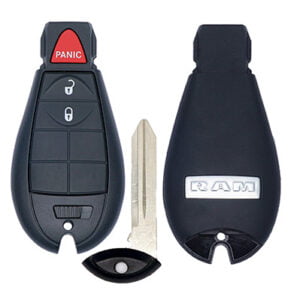
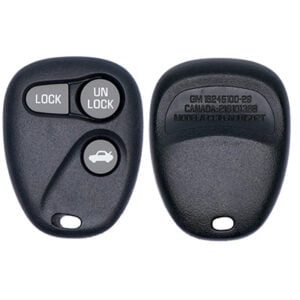
Use EoneBoss, original or aftermarket key to copy original key.
Note:
There is no specific car key list. It covers 70%-80% NXP smart keys. The list is too long. Disassemble the key and check if it has NCF29Ax chip.
If you are not using the EONEBOSS smart key, the daily copying limit is 5 times.
NCF29AG chip type is not supported yet. Some third-party keys may have incorrect button functions.
NK001 Device Connection:
Press and hold the NK001 button for 2 seconds to turn on (one beep), and ensure your phone’s Bluetooth is enabled.
Open the EoneBoss App, enter the cloning function interface, and follow the prompts to complete data reading and writing operations.
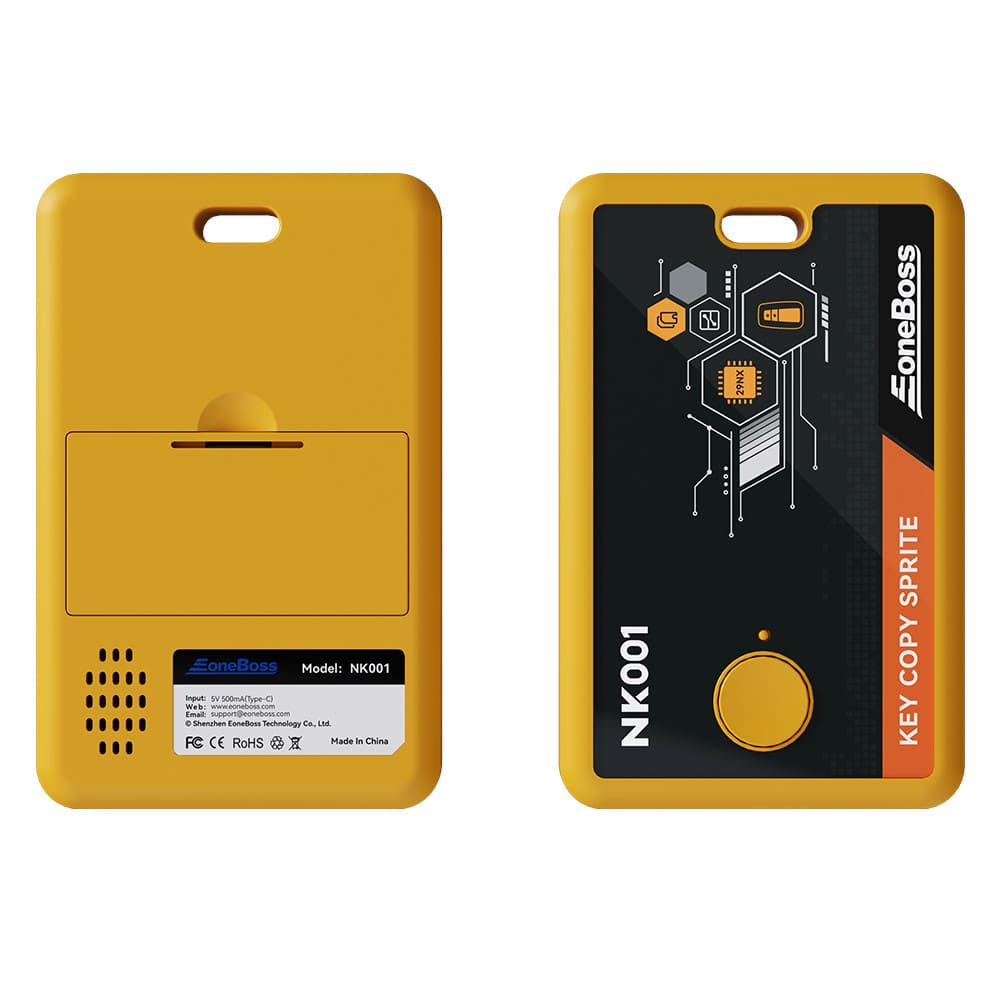
Functional Diagram:

Status Light Indicator Descriptions:
Green: The device function indicator light.
Red: The device is currently charging.
Blue: The device Bluetooth indicator light.
Button Functions:
Power On/Off: Press and hold for 2s (one beep).
Forced Power Off: Press and hold for 5s (No beep).
Type-C Charging Interface: Built-in 3.7V 450mAh battery; supports simultaneous charging and operation (requires connection board). External power is prioritized.
Power Sources: Compatible with mobile phone chargers, computers (USB), power banks, and standard 5V adapters.
Low Battery Warning: When the battery is low, the device will beep every 2 seconds until it automatically powers off. Please recharge in time.
EoneBoss NK001 Recent Update:
May 2026
Chip Modification Function for NCF29A(*) Smart Keys. Take full control of NXP chips with these powerful new features:
Change Chip Capacity (NCF29A)*
Change chip capacity size, supporting 8K, 16K, 32K, 48K, 64K.
Change Chip Type (NCF29A)*
Change chip type, supporting Hitag2(46), Hitag3(47),pro(49), AES(4A).
Change Chip ID (NCF29A)*
Supports custom modification of the chip ID.
EoneBoss NK001-The Ultimate Sprite for NXP Smart Key Cloning
Through high-efficiency identification and writing technology, NK001 Key Copy Sprite supports direct cloning of original car key data to new keys, providing a plug-and-play experience without OBD matching, significantly simplifying the locksmith’s workflow.
Technical Background
Are you looking for a faster way to clone smart keys without complex programming? Traditional OBD matching processes are tedious and require high-end equipment. The EoneBoss NK001 Key Copy Sprite is born to enhance efficiency, allowing you to easily handle cloning needs for NCF29A(*) series chips.
Core Value
NK001 can quickly identify and capture original smart key data and write it directly into a new NCF29A(*) smart key. Once cloning is complete, the key is ready for immediate use on the vehicle without any OBD matching.
Feature:
What key to be used to copy smart key?
Use EoneBoss, original or aftermarket key to copy original key.
Note:
There is no specific car key list. It covers 70%-80% NXP smart keys. The list is too long. Disassemble the key and check if it has NCF29Ax chip.
If you are not using the EONEBOSS smart key, the daily copying limit is 5 times.
NCF29AG chip type is not supported yet. Some third-party keys may have incorrect button functions.
NK001 Device Connection:
Press and hold the NK001 button for 2 seconds to turn on (one beep), and ensure your phone’s Bluetooth is enabled.
Open the EoneBoss App, enter the cloning function interface, and follow the prompts to complete data reading and writing operations.
Functional Diagram:
Status Light Indicator Descriptions:
Green: The device function indicator light.
Red: The device is currently charging.
Blue: The device Bluetooth indicator light.
Button Functions:
Power On/Off: Press and hold for 2s (one beep).
Forced Power Off: Press and hold for 5s (No beep).
Type-C Charging Interface: Built-in 3.7V 450mAh battery; supports simultaneous charging and operation (requires connection board). External power is prioritized.
Power Sources: Compatible with mobile phone chargers, computers (USB), power banks, and standard 5V adapters.
Low Battery Warning: When the battery is low, the device will beep every 2 seconds until it automatically powers off. Please recharge in time.
EoneBoss NK001 Recent Update:
May 2026
Chip Modification Function for NCF29A(*) Smart Keys. Take full control of NXP chips with these powerful new features:
Change Chip Capacity (NCF29A)*
Change chip capacity size, supporting 8K, 16K, 32K, 48K, 64K.
Change Chip Type (NCF29A)*
Change chip type, supporting Hitag2(46), Hitag3(47),pro(49), AES(4A).
Change Chip ID (NCF29A)*
Supports custom modification of the chip ID.